

ChatGPT Memory vs Projects: What Belongs Where for Long-Term Work
Learn where to keep preferences, project instructions, files, and decisions—and what to check before changing your setup.
Turn your notes into a draft, improve a paragraph, or build a small spreadsheet with AI. Browse the latest guides or choose a topic to get started.
Learn where to keep preferences, project instructions, files, and decisions—and what to check before changing your setup.

ChatGPT got the answer right but skipped the calculation. See how I checked the reasoning against my study notes.
Use ChatGPT to review a draft’s claims and sources, then check the saved WordPress page yourself before publishing.

Choose a link, pasted passage, or file for your task—and check the source text behind ChatGPT’s answer.

Compare two ChatGPT Work answers to the same research prompt. Check the source details and limits before choosing which explanation to use.

I turned one article into a newsletter intro, social post, and video script. See what stayed too similar and try prompts that change the approach first.

Turn your notes into a blog section with ChatGPT. Copy prompts for sorting notes, choosing an outline, writing a section, and fixing what the draft added.
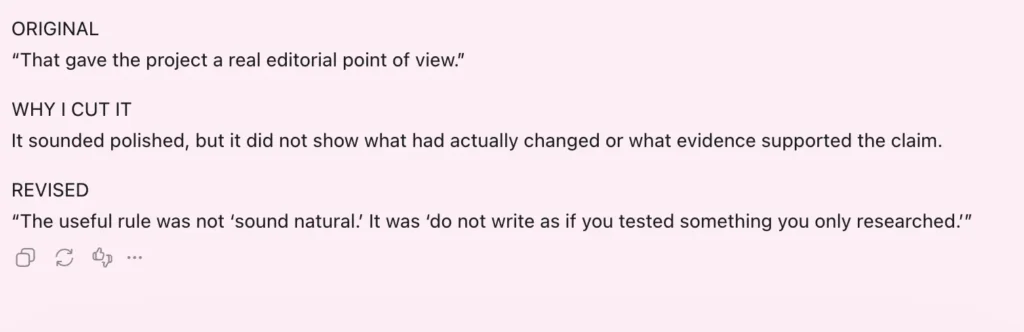
Match your title’s promises to the notes and source passages you have. This five-part brief helps you find a missing example or narrow the title before drafting.
My drafts got ahead of the notes behind them. See the edits that came back during review, then check the main claim’s supporting material before drafting.