

AI Content Workflow for VEYREM: From Notes to Draft
Turn your notes into a blog section with ChatGPT. Copy prompts for sorting notes, choosing an outline, writing a section, and fixing what the draft added.

Turn your notes into a blog section with ChatGPT. Copy prompts for sorting notes, choosing an outline, writing a section, and fixing what the draft added.
Match your title’s promises to the notes and source passages you have. This five-part brief helps you find a missing example or narrow the title before drafting.
My drafts got ahead of the notes behind them. See the edits that came back during review, then check the main claim’s supporting material before drafting.
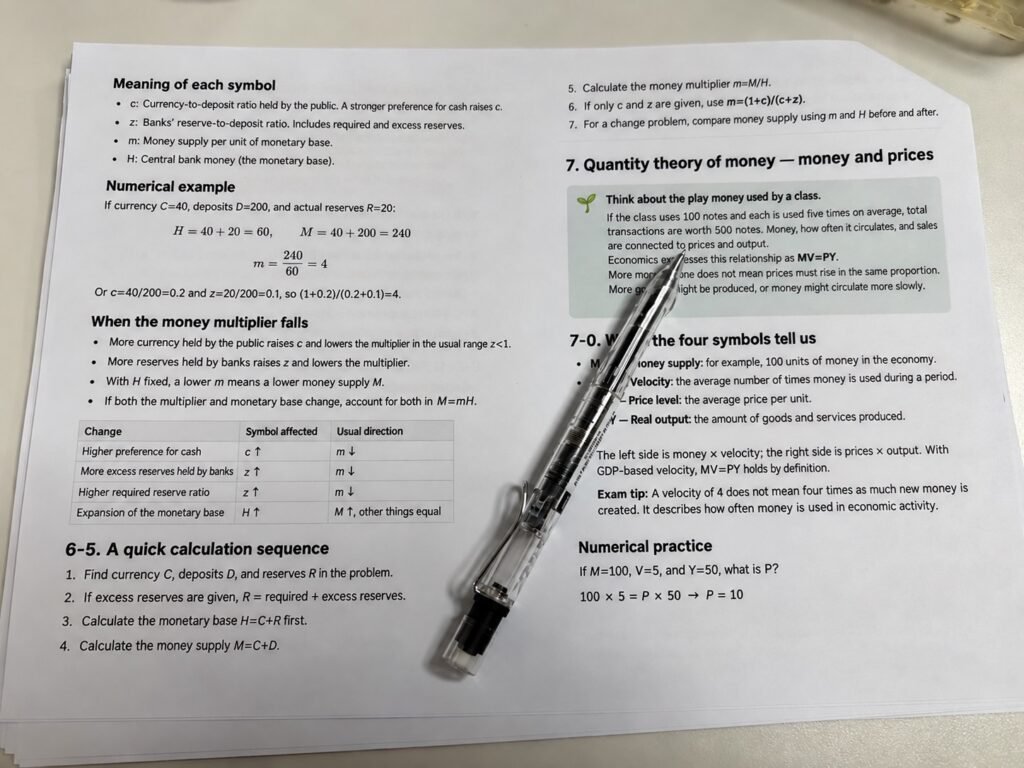
Organize a passage in regular chat or practice one question at a time with Study Mode. These copyable requests also work in regular chat, with feedback you can check against your own notes.
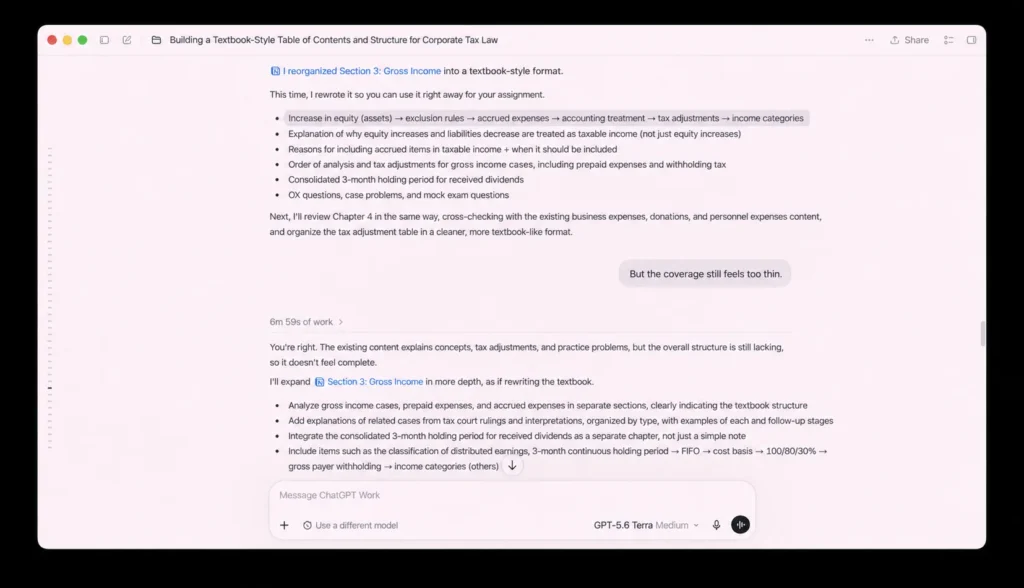
I use ChatGPT to turn a short PDF section into an outline, then trace every rule back to the page it came from. Here is the prompt and check I use when a definition, exception, or number matters.

Open a ChatGPT citation, find the passage behind one claim, and check its date and limits. Use a copyable prompt to spot missing conditions.
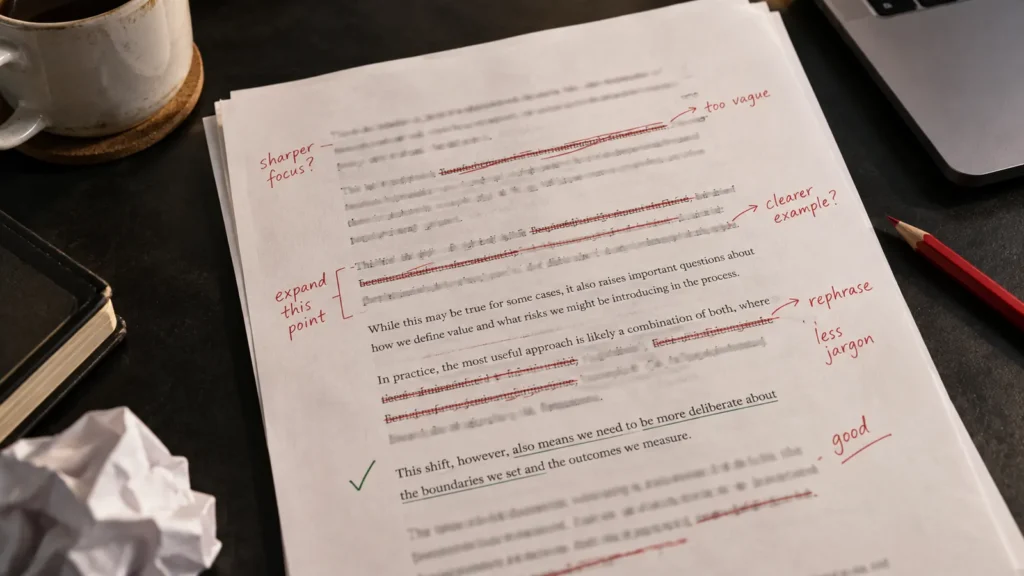
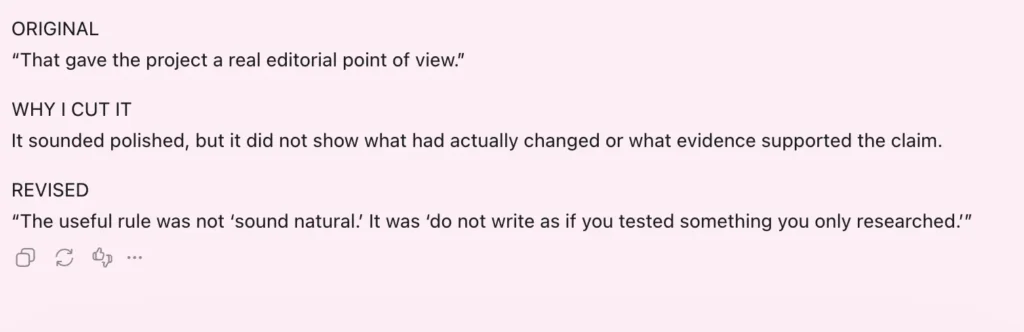
See three edits from a real VEYREM draft, then use a focused prompt to find repeated conclusions, vague wording, and missing details in your own writing.

I tried ChatGPT Projects for VEYREM writing. See what carried into a new chat, what it missed, and how to set up and check your own project.